
Twin Me! Clone Camera
Take two shots and create a twin photo of yourself or your friends in seconds.

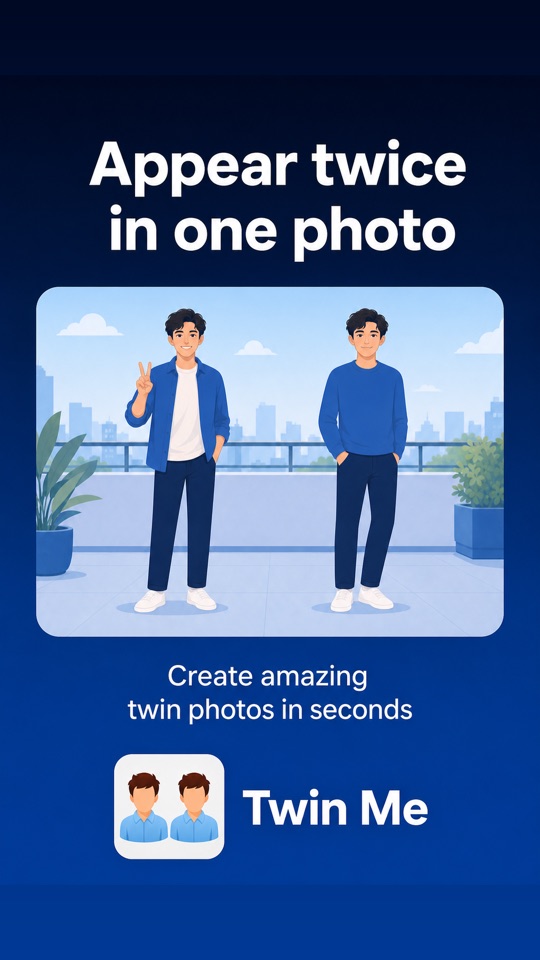
Screenshots
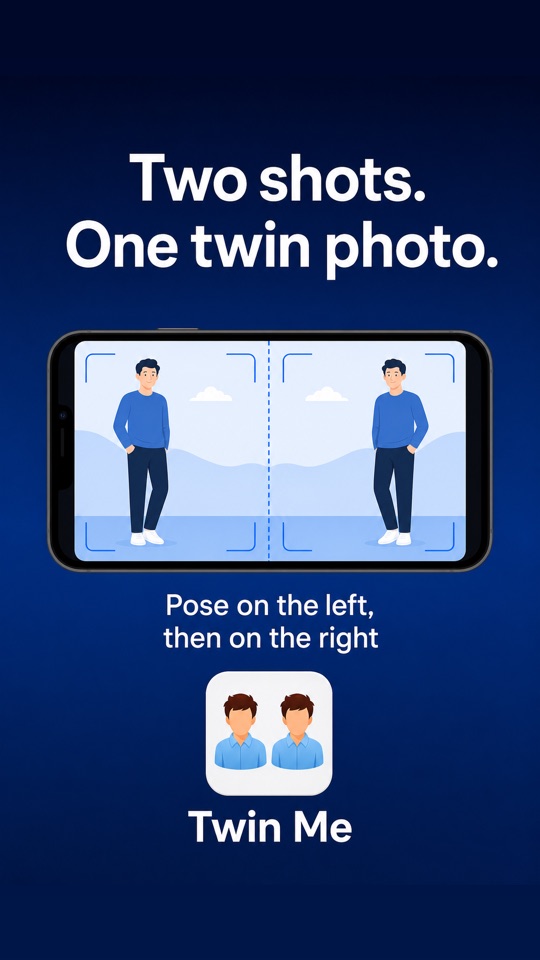
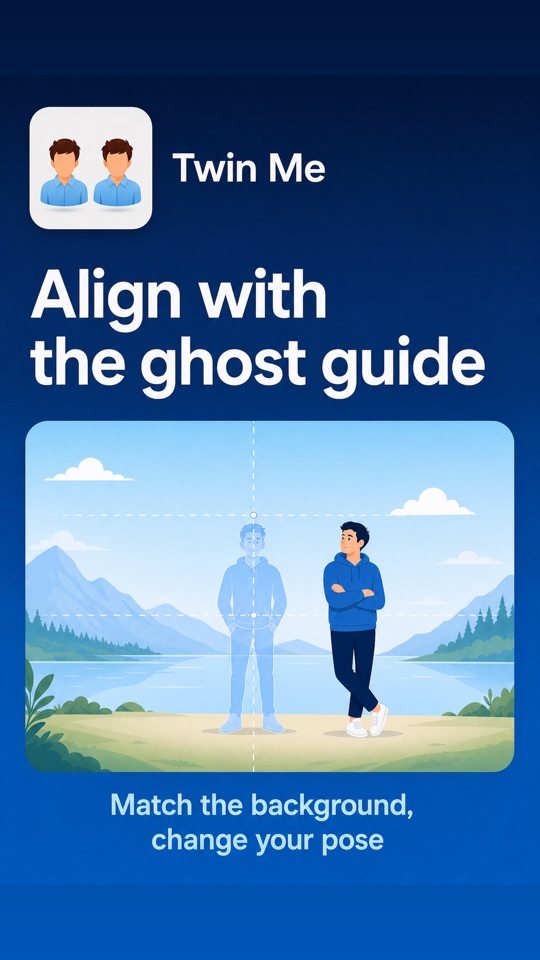
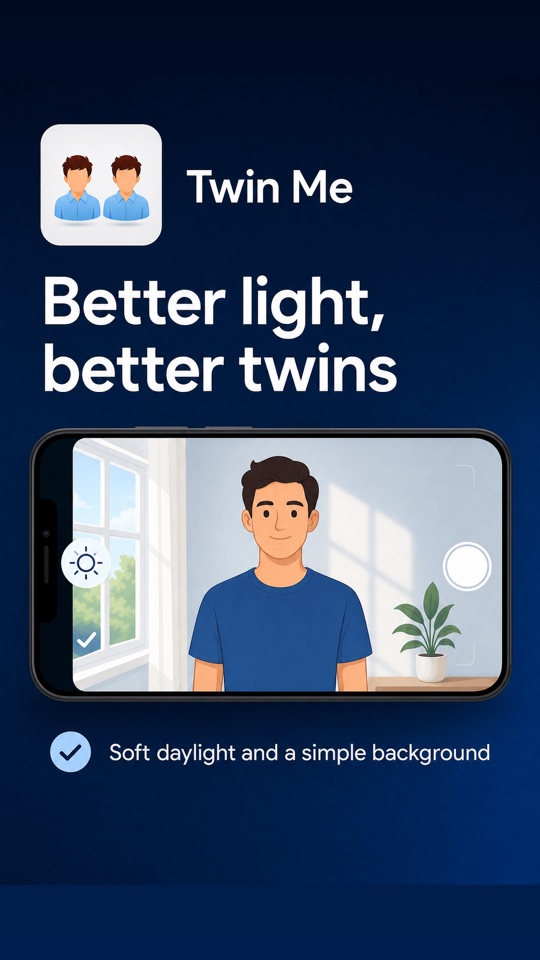
How it works
- Hold your phone steady and take the first photo.
- Move to a different spot and change your pose.
- Line up the scene with the ghost guide and take the second photo.
- Twin Me! combines both shots into one twin photo, right on your phone.
Modes
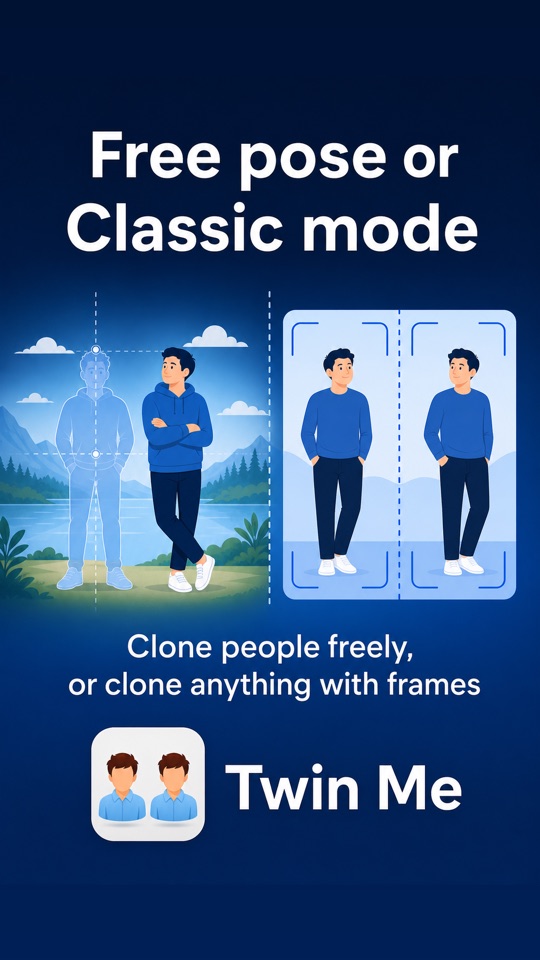
- Free pose: clone a person with flexible poses, AI-assisted when available on your device.
- Classic: left/right frames for the traditional twin look, also great for cloning objects.
Contact
Questions, feedback or problems? Email contact@vklapps.com. We read every message.